


“Edcafe has completely transformed how I prepare for my classes. All the teaching tool options available are a game-changer, saving me hours each week.”
Samantha P.
High School History Teacher
For Teachers
Get started nowFor Schools & Districts






Help students understand how to use Edcafe—from opening an activity to getting instant AI feedback— so they participate confidently and you see real learning outcomes in class.
Tell us the topic, upload your materials, or start from scratch—AI builds the activity in seconds. Make it your own with quick edits, then you're ready to teach.
One quiz, multiple ways to assess—whether it's practice or grading, students get instant feedback while you watch their progress live.
From slide decks to lesson plans—create polished teaching materials without starting from scratch.
Give us a topic or upload your materials, and we'll build you a complete presentation—slides, images, discussion questions, the works. Export to PowerPoint when you're ready.
No more hunting through different apps or folders. Every quiz, conversation, and submission your students create—all organized and easy to find.
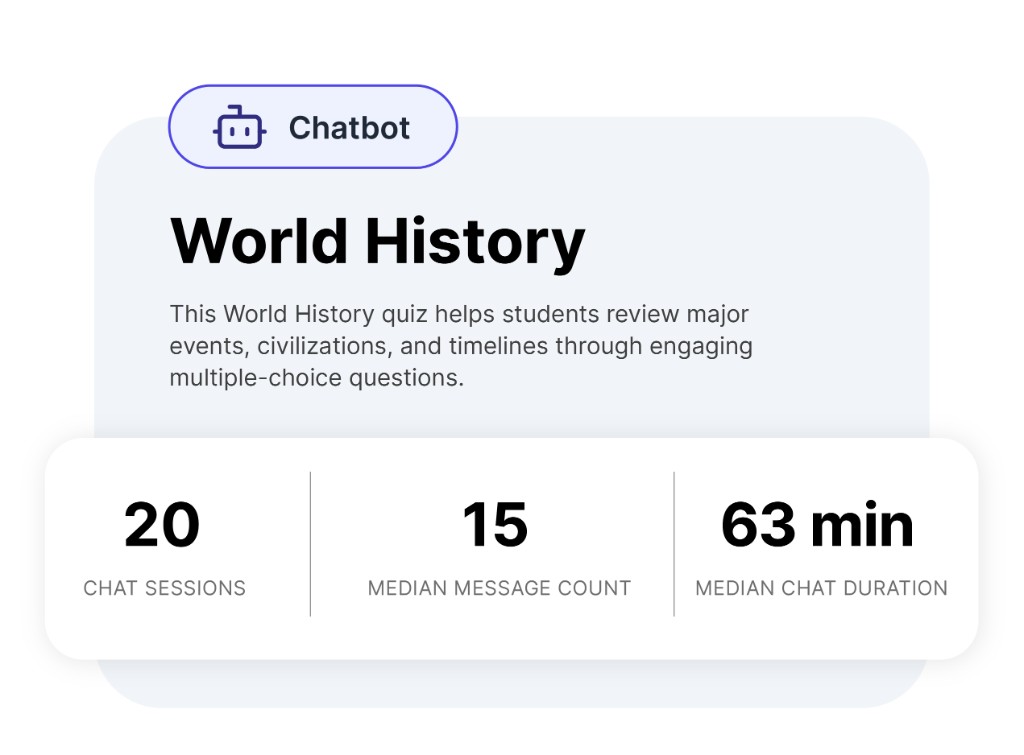
See scores, participation, and trends right on the page. Quick widgets show you what's working and who needs support—before you dive deeper.
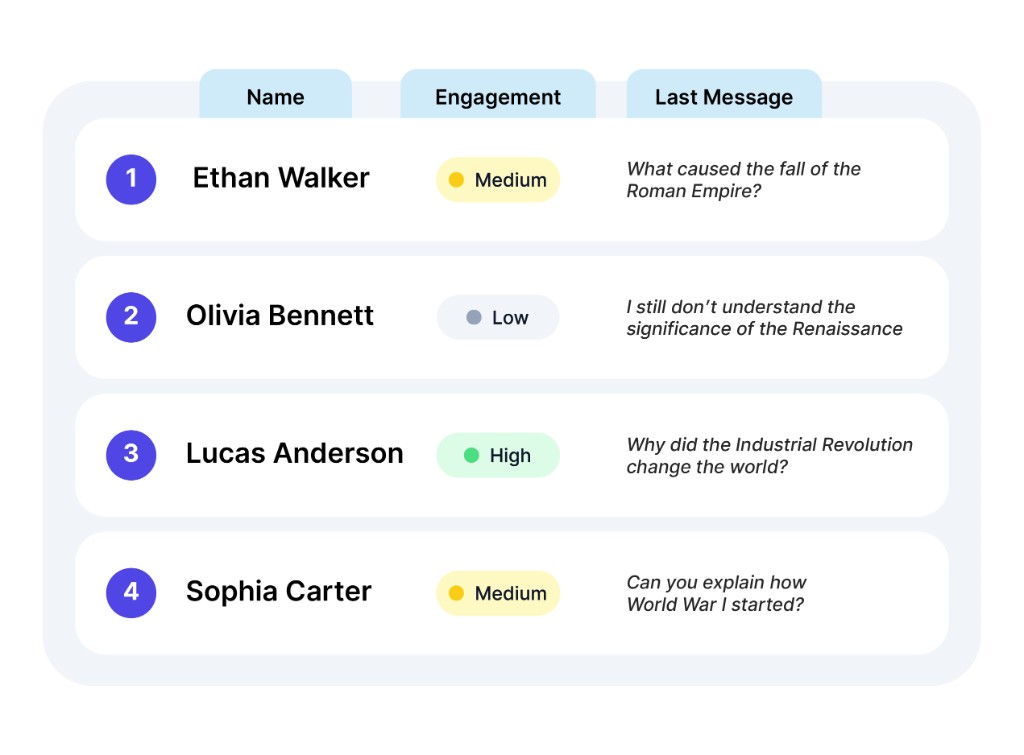
See everything students submit across all your activities. Filter by student or by activity—no jumping between tools.
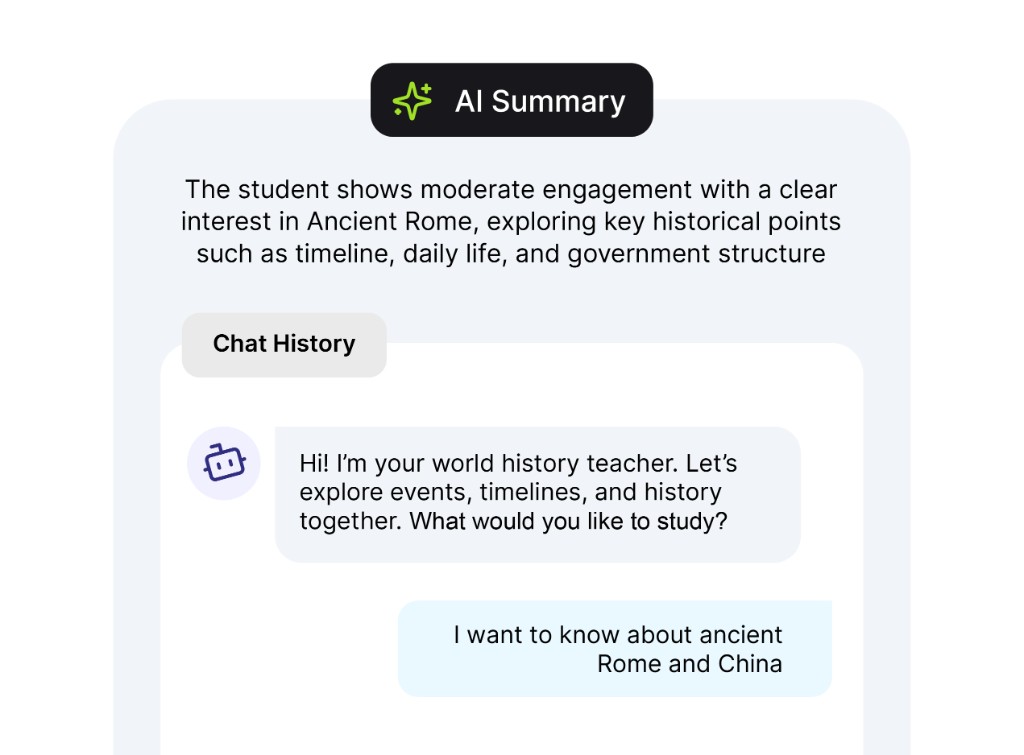
Click a name to review their complete work—every response, chat exchange, and score in one view. Everything you need to understand their progress.
Ask questions about your class and get clear answers—like having a teaching assistant who's read through all your students' work.
Teaching resources, search, and student submissions—all in one workspace so you spend less time hunting and more time teaching.
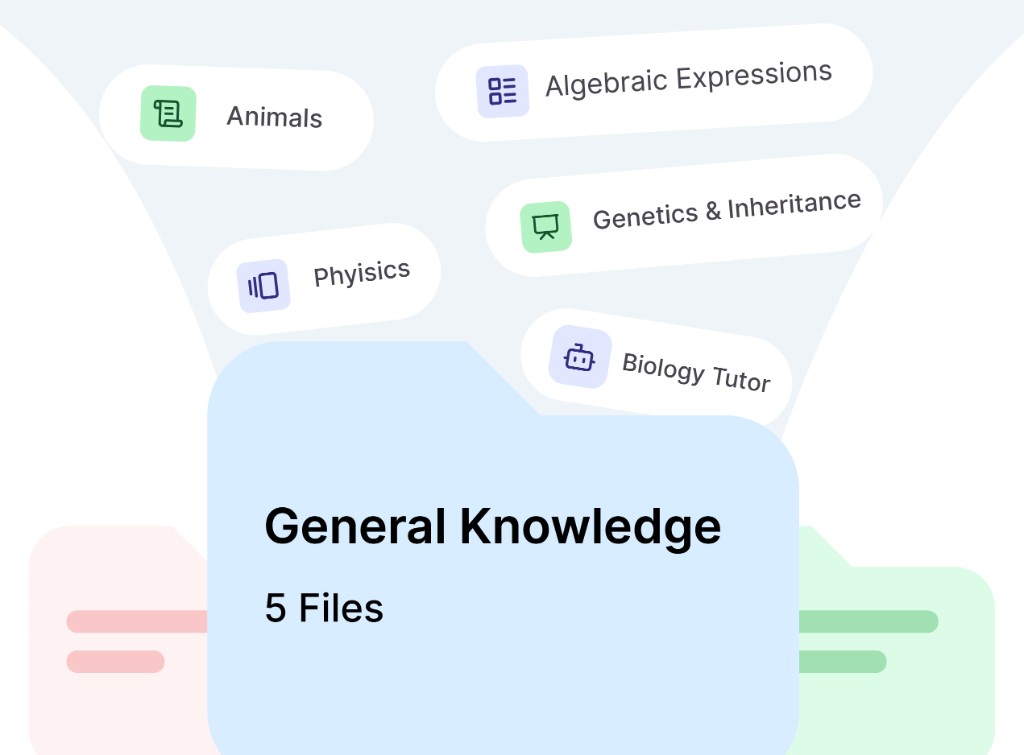
Store slides, quizzes, and lesson plans in folders by class or subject—everything you create has a home.
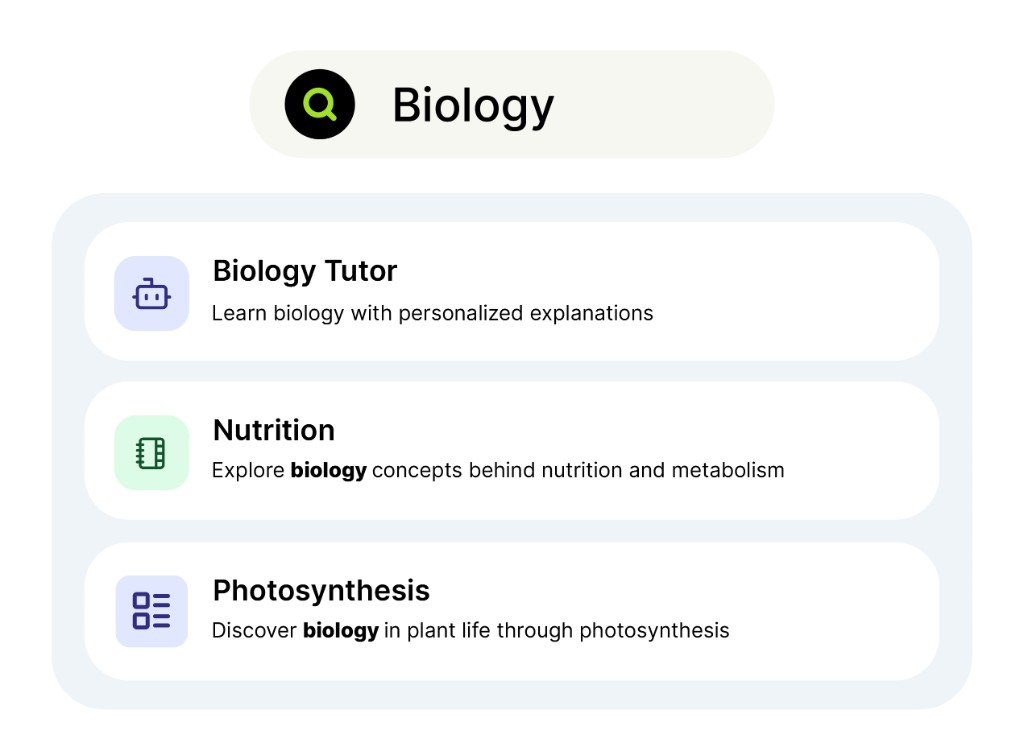
Find any file, activity, or resource in seconds with search across your whole library.
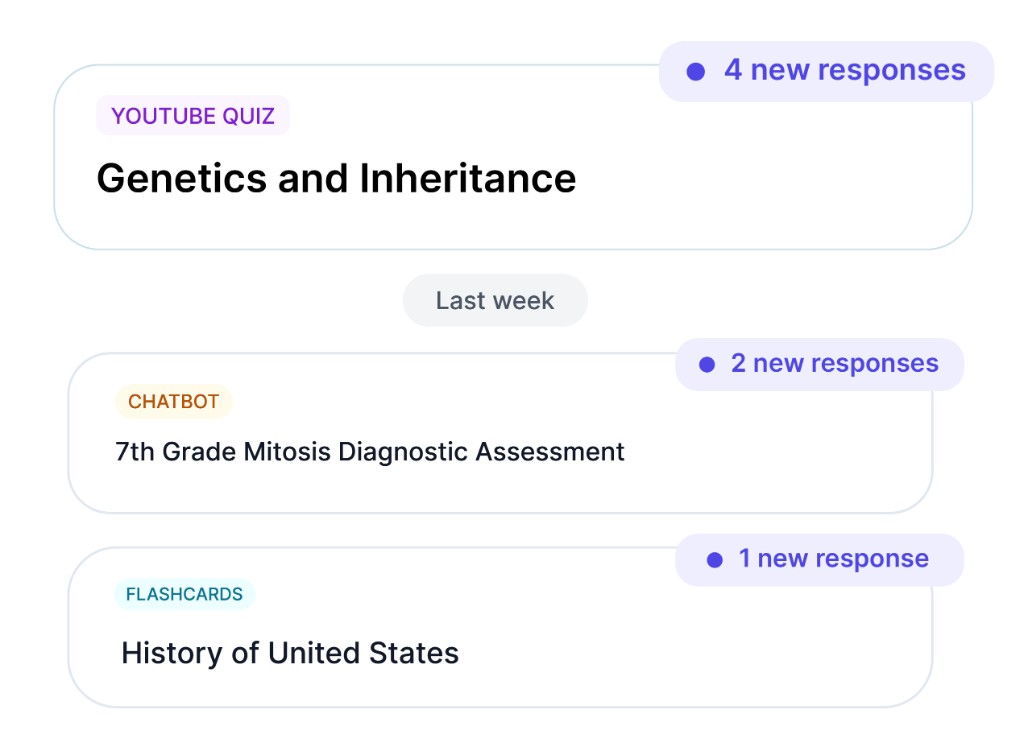
See new student work as it comes in—grouped in one view so nothing gets lost between activities.
Everything is filtered, age-appropriate, and built for K-12—so you can focus on teaching.
Designed for students of all ages, with age-appropriate responses built in. Conversations stay focused on learning and adapt to your students—not a general-purpose chatbot.
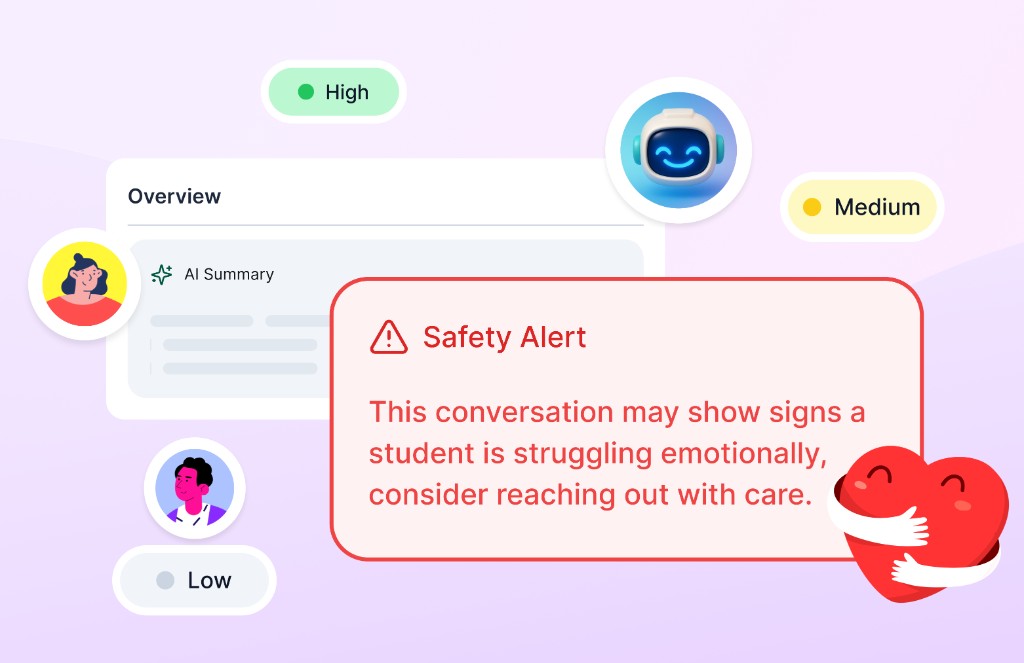
Chatbot conversations are monitored for signs of distress or concern and flagged when needed—so you can step in and support students early.
Launch activities directly from Canvas, Moodle, or Blackboard. Students click and start—no extra logins.

We're SOC 2 certified and follow GDPR, FERPA, and COPPA standards. Your data stays secure and private.
Find out why educators use Edcafe for teaching materials and classroom activities.
“Edcafe has completely transformed how I prepare for my classes. All the teaching tool options available are a game-changer, saving me hours each week.”
Samantha P.
High School History Teacher
“The AI-powered features of the platform have helped me analyze students’ needs and tailor my teaching approach, while its rich materials and resources have enabled me to engage students in new, more captivating ways.”
Ibrahim G.
Arabic Language Teacher
“Edcafe’s ability to align content with my curriculum has made my life so much easier. The resources are spot on, and my students love the interactive lessons. It’s the best teaching tool I’ve come across.”
Alicia R.
Primary School Teacher
“Building quizzes and flashcards used to take my whole prep block. Now I can spin up something solid in minutes and still tweak it for my class.”
Jordan K.
Middle School Math Teacher
“My students actually ask when we’ll use the next Edcafe activity. That rarely happened with static worksheets.”
Priya N.
ESL Instructor
“I appreciate that I can keep everything in one library—lesson ideas, slides, and follow-up reading—without juggling five different tools.”
David L.
Department Lead, English
“The reading activities and vocabulary support have been a huge help for differentiated groups. I can meet learners where they are without starting from zero every week.”
Elena M.
Learning Support Specialist
“Sharing materials with a link means no more “which file is the latest?” in our team chat. Onboarding new teachers got simpler too.”
Chris W.
Instructional Coach
“For parent nights I can demo real examples we used in class—not generic slides. Families see exactly how we’re using AI responsibly.”
Renee T.
Elementary Science Teacher
Start free in minutes-or talk to us about bringing Edcafe to your school or district.